We threw away a set of perfectly good parametric families in the middle of a project. It was the right call, and it is worth explaining why.
The industry treats complex parametric families in Revit as a guaranteed shortcut, promising more automation, less manual work, and faster delivery. On most projects that holds. On historic buildings it can break, and a recent heritage job made that obvious.
The setup
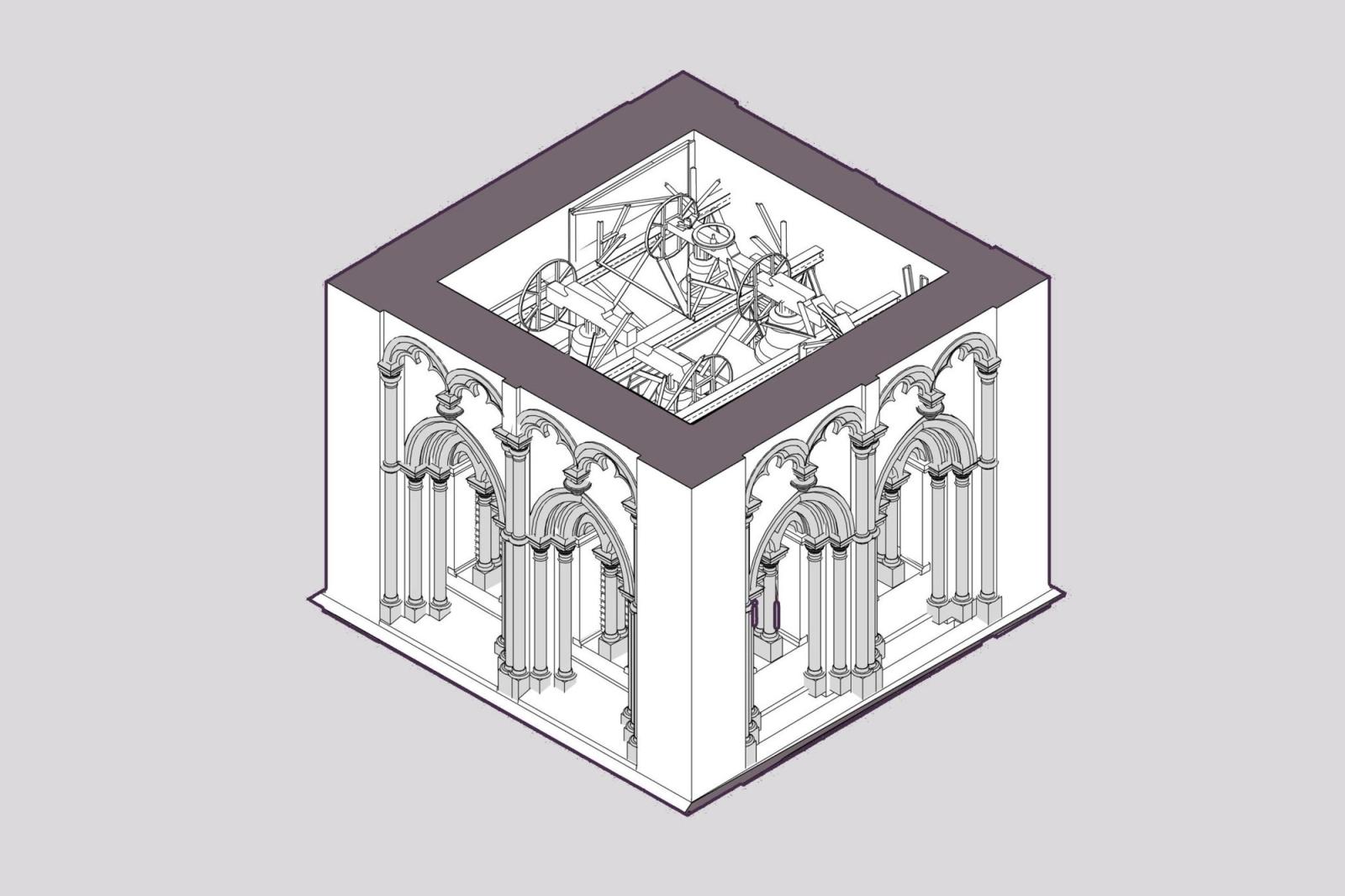
The project was a heritage building with strict point cloud deviation requirements. Every node had to follow the real geometry of the building, not an idealised version of it.
The standard move in that situation is to build highly parametric decor families and let them automate the repetitive work across the facade. That is what we started with, because on paper, it is exactly the kind of job automation is meant for.
Why the family never fit
Historic facades do not know the word symmetry. A parametric family is built on regularity: you define the rules once, and every instance follows them. But the real curvature of this building did not follow any clean rule, so the perfect family never actually fit.
Every attempt to bend it to the scan cost more hours, and the result still drifted away from the point cloud. The automation was generating work instead of saving it, which is the opposite of what automation is for.
The counterintuitive fix
So we did the opposite of what the shortcut suggested. We de-optimised.
The team dropped the complex families entirely and switched to manual Model-in-Place modelling for every critical node. It was slower per element, but each element matched the scan exactly. That is what got the model inside the required tolerances and still finished it on schedule.
Knowing when to stop automating
Parametrisation is a tool, not a religion. It is the right tool when a building is regular enough for its rules to hold, and the wrong one when the geometry refuses to repeat.
On heritage work, judgment beats dogma. Recognising that the family had failed and dropping it early, rather than sinking more hours into forcing it, is what saved the model. Knowing when to stop automating is its own kind of expertise, and it is usually what separates a heritage model that holds its tolerances from one that quietly drifts.
The honest version
This is how we approach historic projects. The same instinct runs through all of our reality-based work: the model has to match the building, and when a tool stops serving that, the tool goes rather than the accuracy.
Building families that flex reliably is its own craft, and so is knowing when a building will not let them. Both are part of how we handle Revit families and heritage Scan to BIM. If you have a heritage or irregular model that has to hold real tolerances, tell us about the building, and we will scope it honestly.